Support
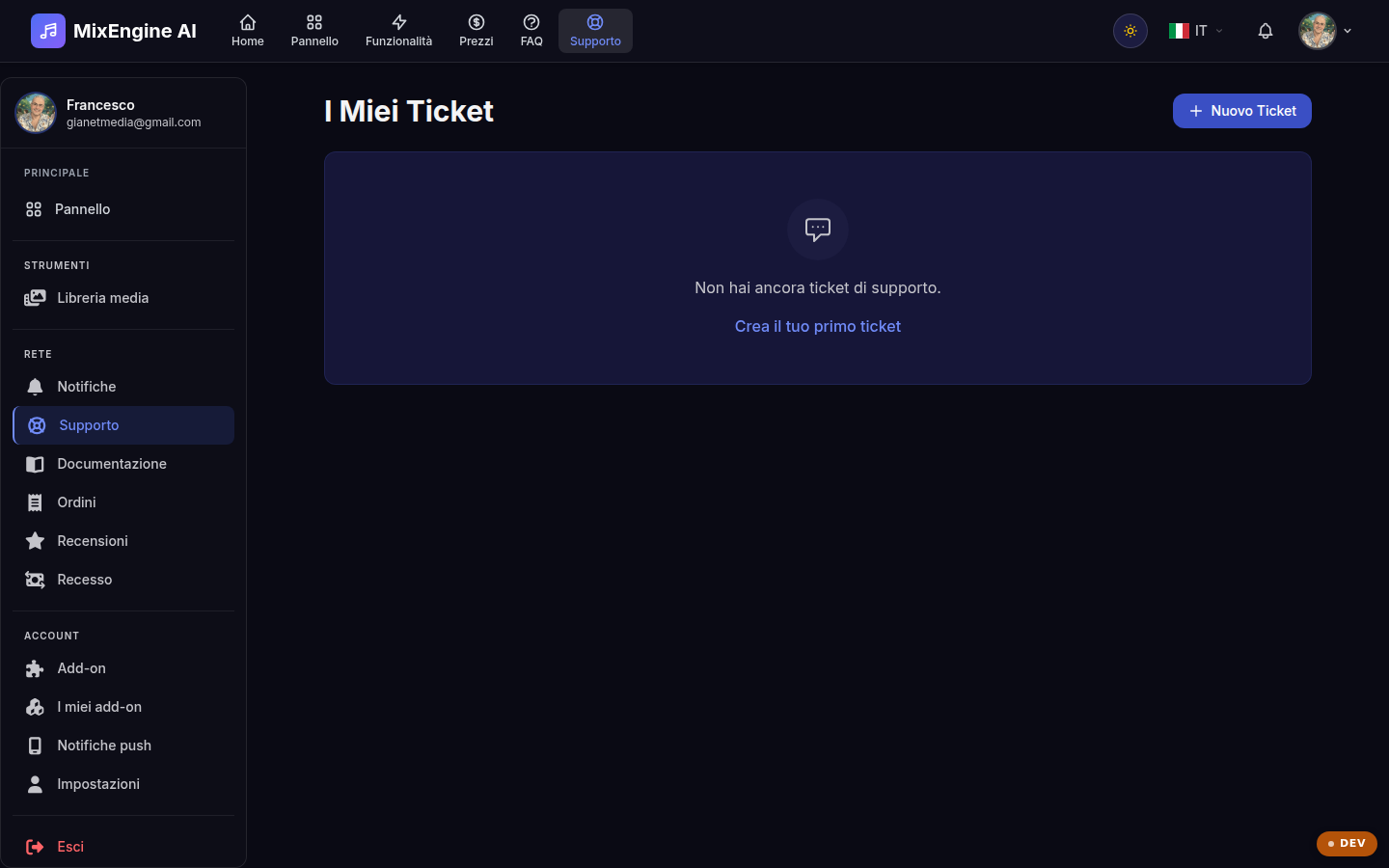
Open a ticket for issues with the plugin, licenses or purchases: the team will reply.
Key points
- One ticket per topic: the conversation stays tidy.
- Include your DAW, operating system and plugin version.
- You will receive a notification when the reply arrives.
When to open a ticket
Ticket support is the channel for technical issues (the plugin won't activate, the installer hangs, the AI model won't download), questions about licenses and devices, or billing matters. Before opening a ticket, it is worth checking the FAQ: many answers are already there.
Writing a good ticket
The more context you give, the faster the reply: always include your DAW (e.g. Ableton, Logic, Reaper), the operating system with its version, the plugin version (you find it in the dashboard) and the steps to reproduce the issue. If there is an error message, report it in full.
Following the conversation
Each ticket has a status (open, in progress, closed) and a history of replies: reply from the same ticket to keep the thread together. Once the issue is solved, you can close the ticket yourself; you will receive a notification with every reply from the team.