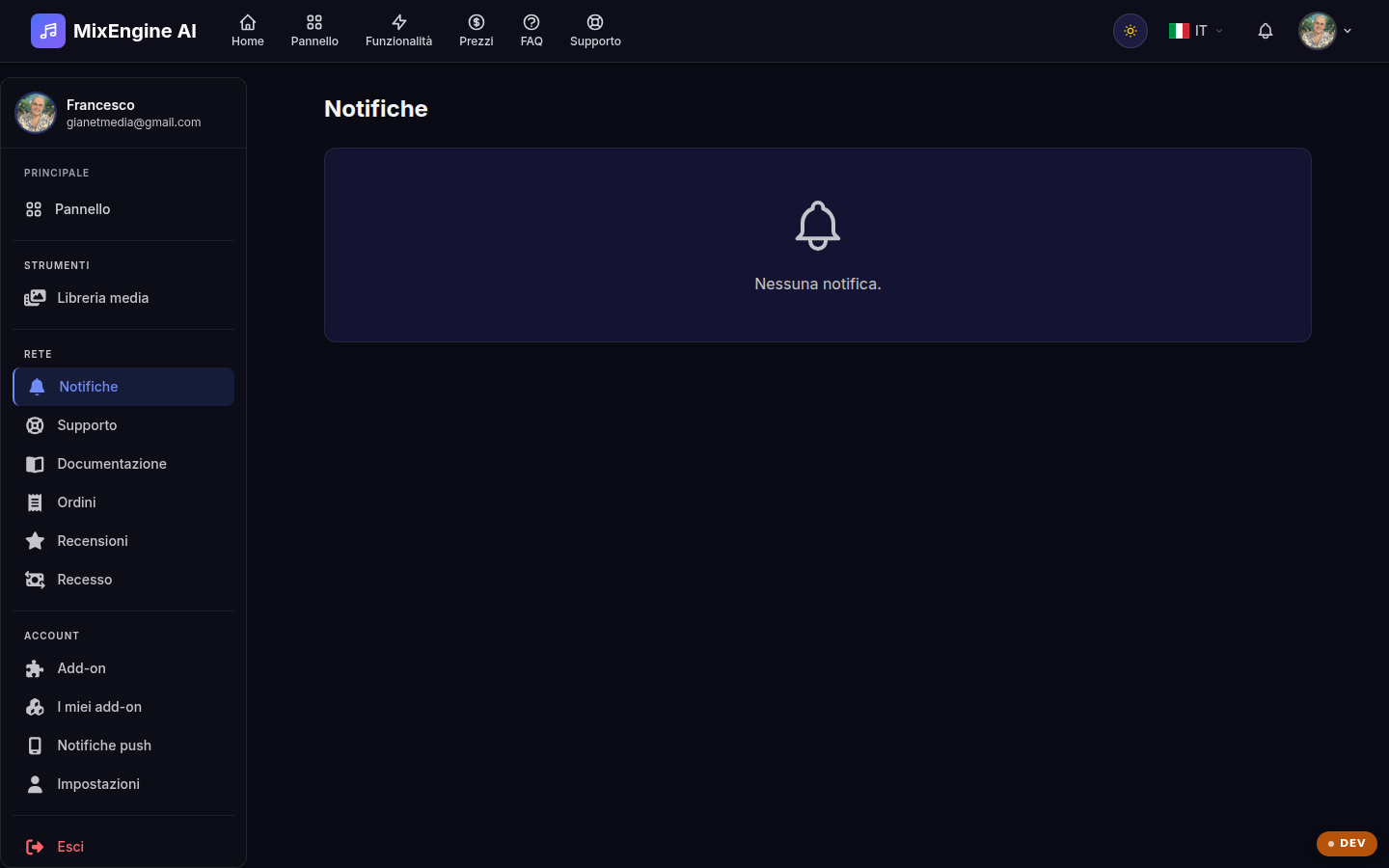
Your account's alerts: purchases, tickets, plugin news.
Key points
Unread notifications are highlighted.
Use "Mark all as read" to clean up the list.
Open "View details" to go to the linked page.
What arrives here
On this page you find the alerts linked to your MixEngine AI account: purchase confirmations, replies to support tickets, license updates and platform announcements. The counter in the top bar shows how many notifications you have not read yet.
Managing notifications
Open a notification to read it and, if it has a linked page, use "View details" to reach it. You can mark notifications as read one by one or all at once; the ones you no longer need can be deleted permanently.