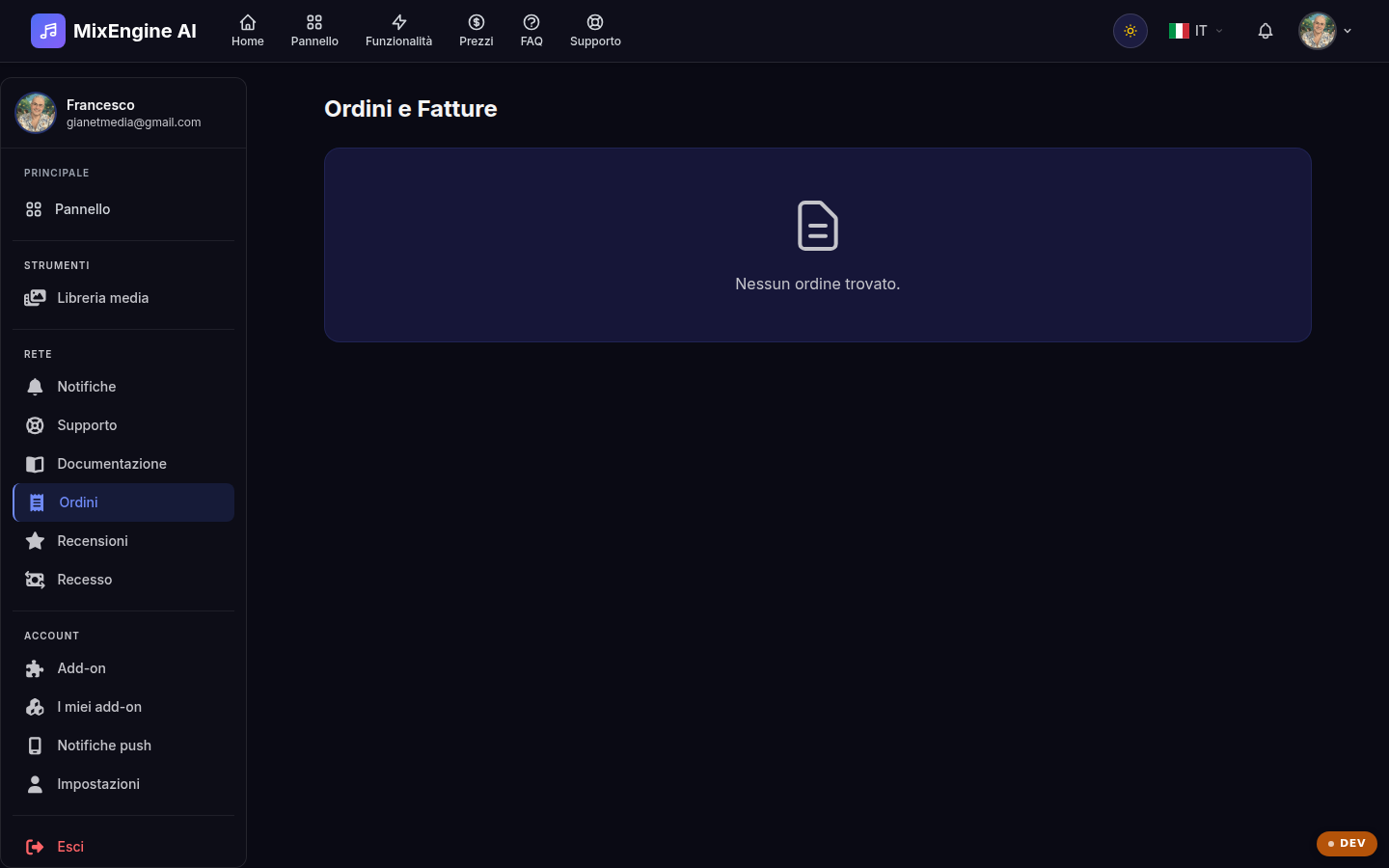
Your purchase history, with invoices to download as PDFs.
Key points
Each purchase generates a numbered invoice.
Download the PDF for your accounting.
Check your billing details in your profile before purchasing.
What you find here
This page lists all your purchases on MixEngine AI — Pro license, version upgrades, add-ons and credit packages — with date, amount and invoice number. It is the official record to refer to for any verification.
Downloading invoices
Next to each order you find the button to download the invoice as a PDF, ready for your accounting or your accountant. The invoice holder details are those from the Billing section of your profile: keep them up to date before every purchase, because invoices already issued cannot be changed.