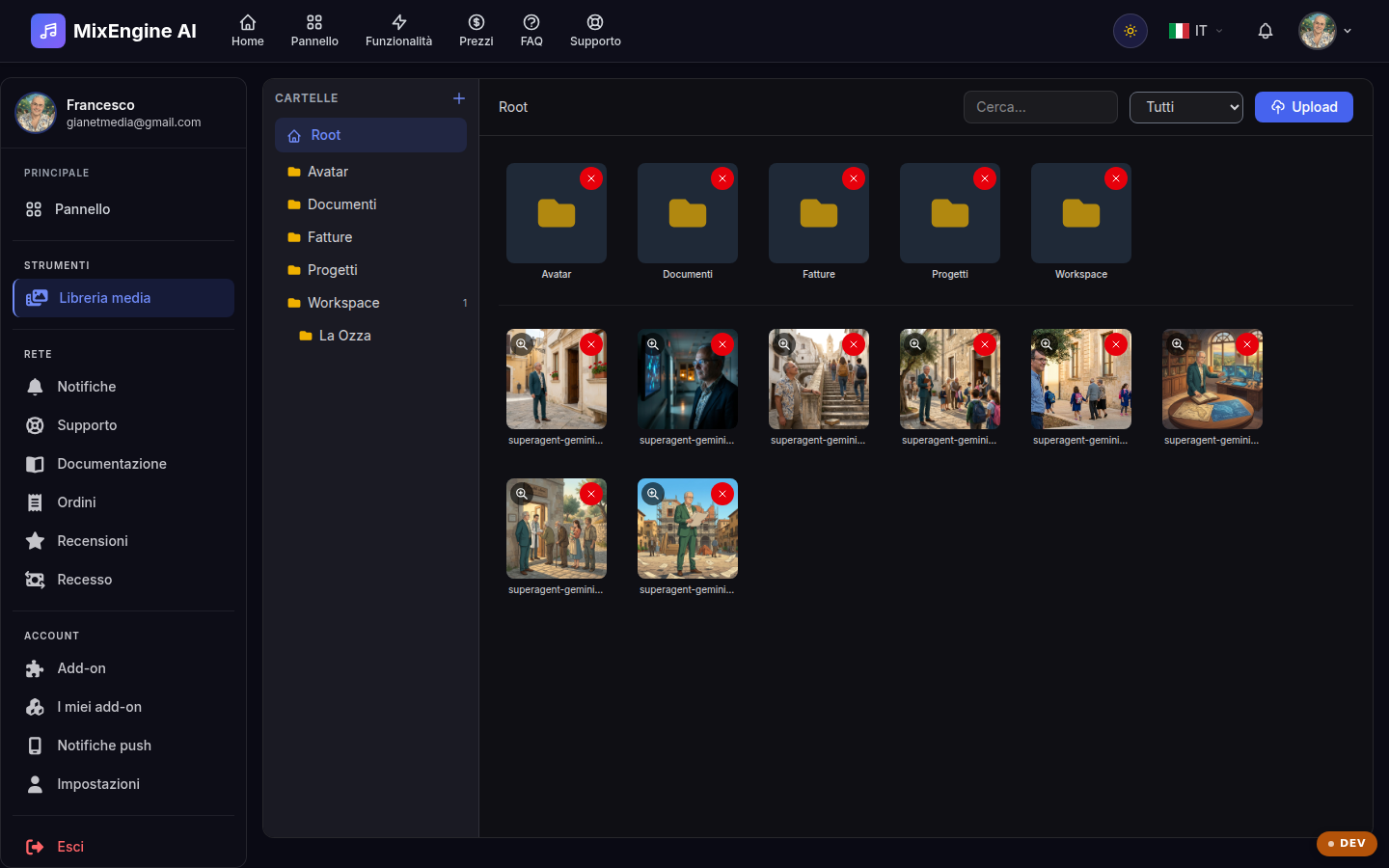
Your personal archive of files and images, shared with your account.
Key points
Upload files by dragging them or with the upload button.
Open an item to see its details and preview.
Delete what you don't need to keep things tidy.
What the library is for
The Media Library gathers the files you upload to your account: images (for example your profile avatar) and other documents. It is a personal space: only you can see and manage your files.
Uploading and organizing
Upload files with the upload button or by dragging them onto the page. Each item shows a preview, name, type and size; opening it reveals the full details and the available actions. On mobile, the actions appear by tapping the file tile.
Good practices
Periodically delete the files you no longer use: a tidy library makes it quicker to find what you need. The most common image formats (JPG, PNG, WebP) are supported and optimized with automatic previews.